
Printed Agendas
Professional printed agendas — outline or fully detailed
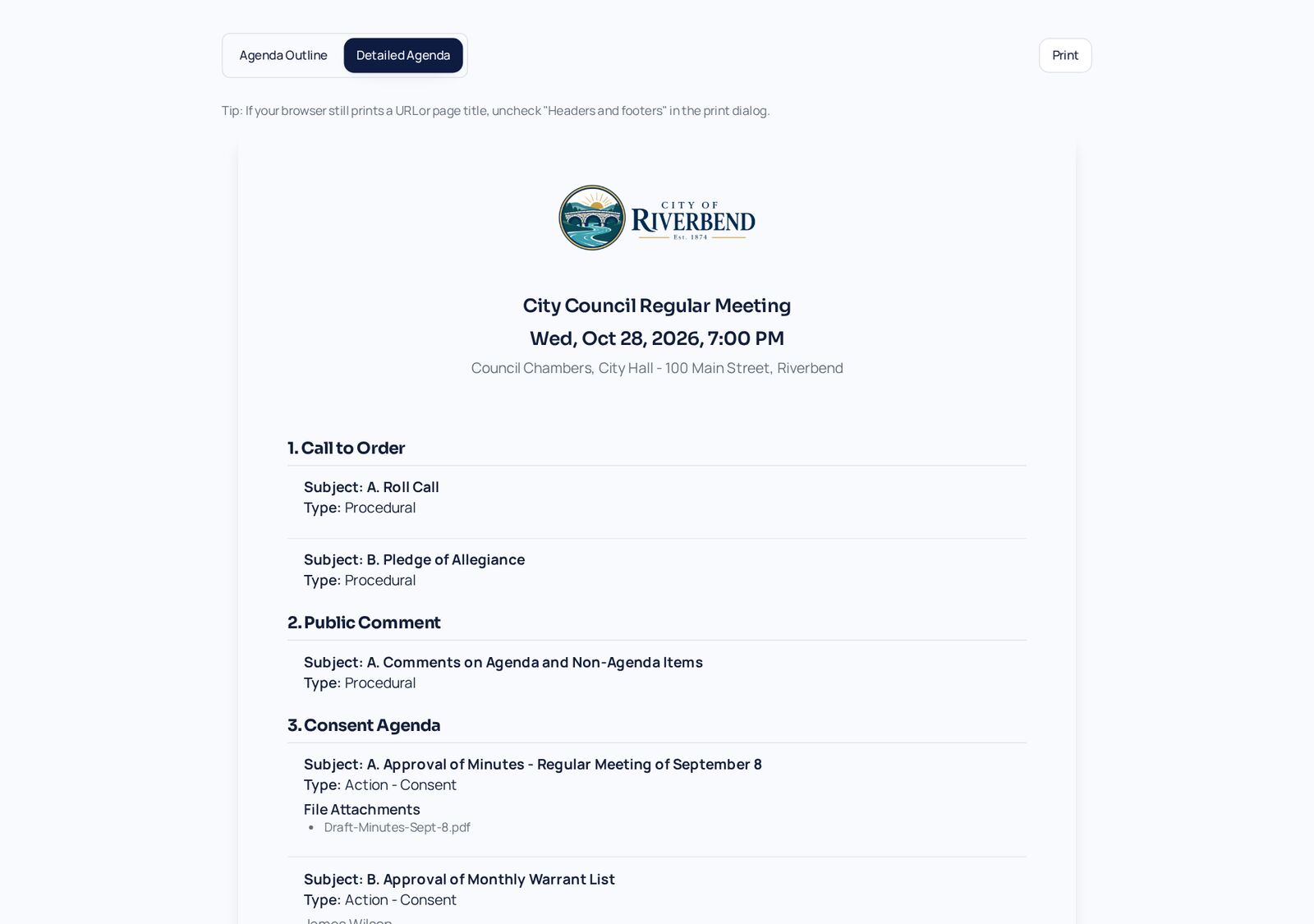
Print a one-page outline for the public table or a detailed agenda with every description, type, and attachment. Board packets highlight internal-only content in red.
How it works
Step by Step in the Sample City
Choose a format
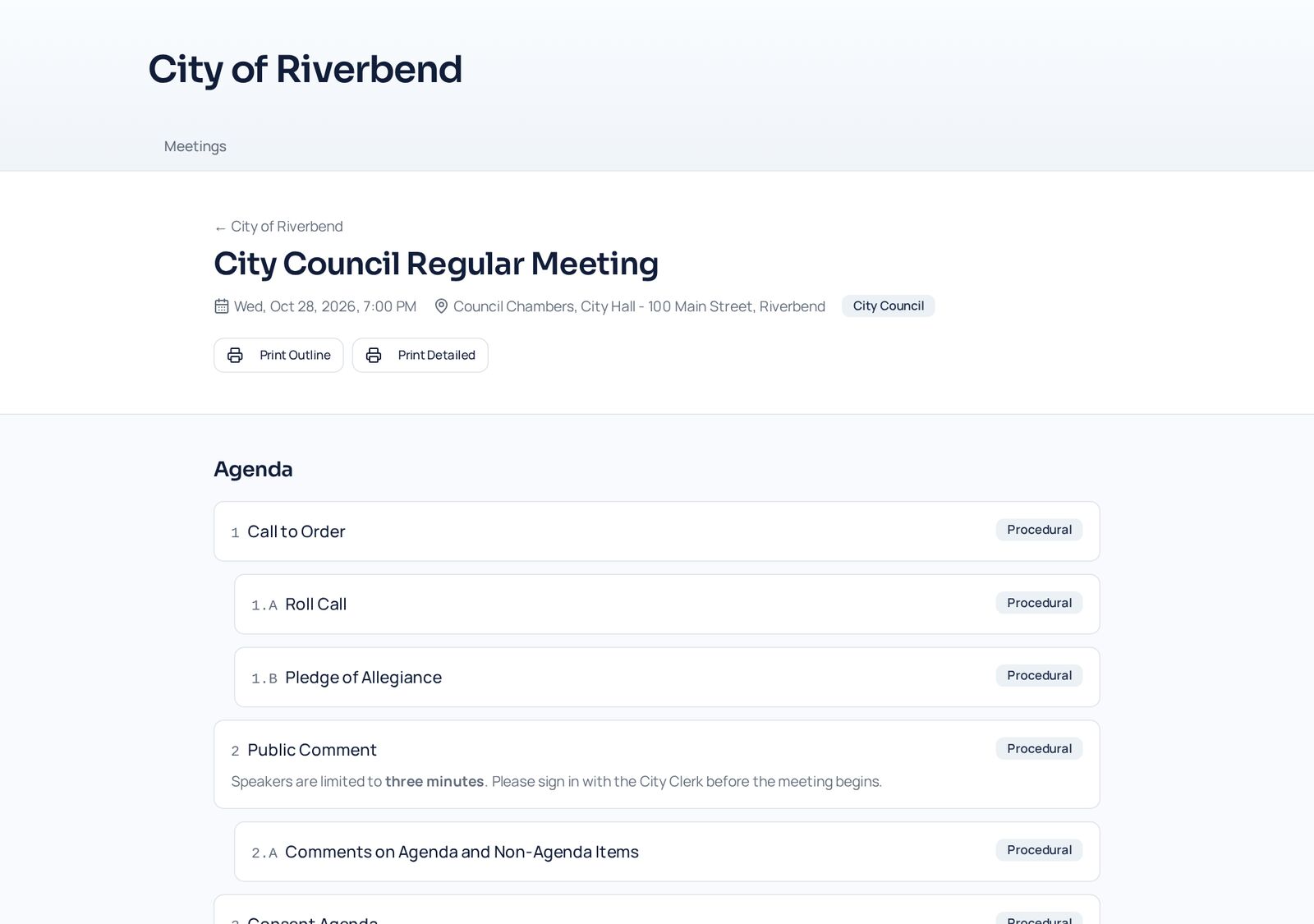
Open Print on any meeting and switch between Agenda Outline and Detailed Agenda at the top of the page.
Review the letterhead
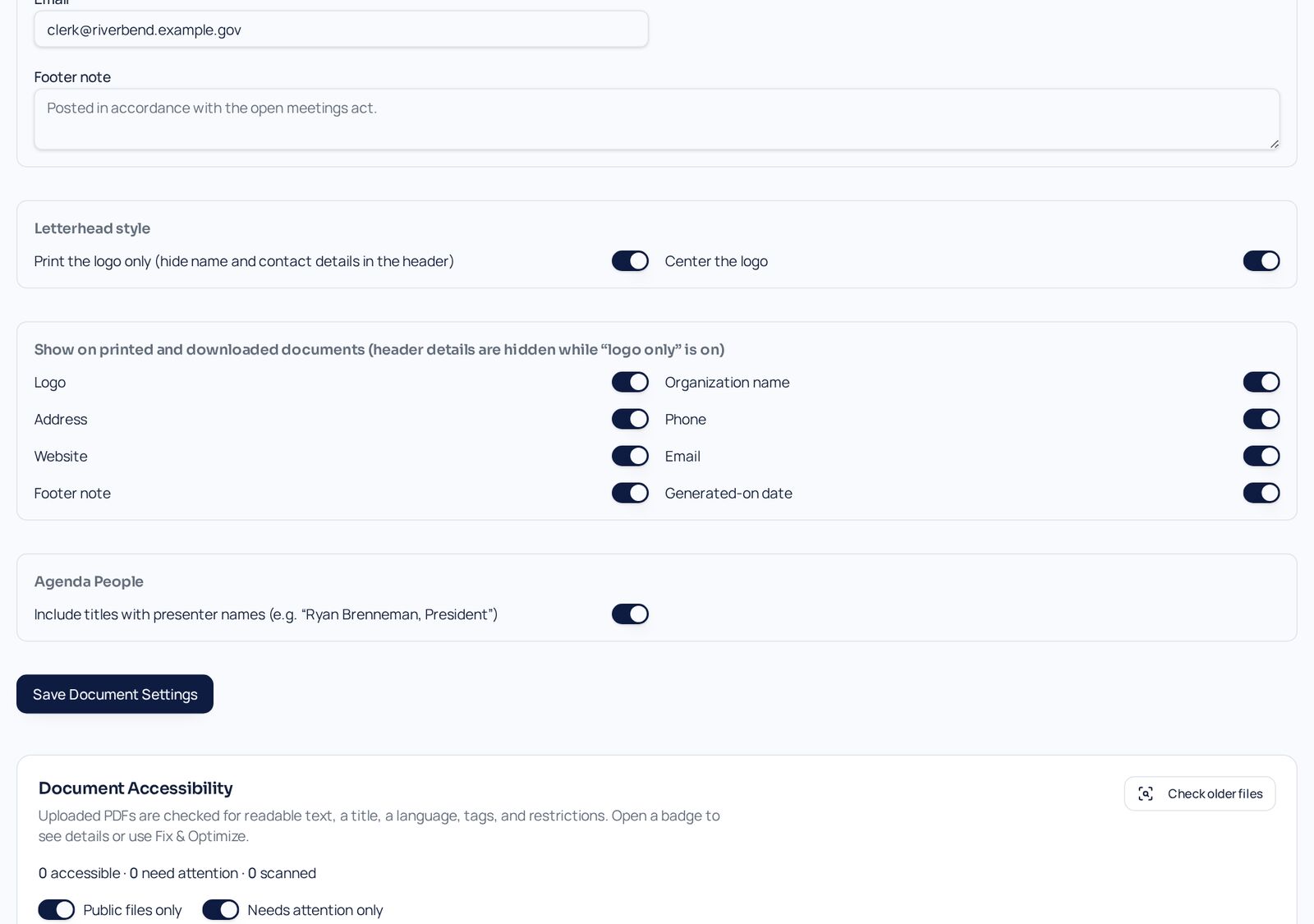
Your logo and contact details come from Document Settings, so every printout matches — like the City of Riverbend seal on these samples.
Save or print
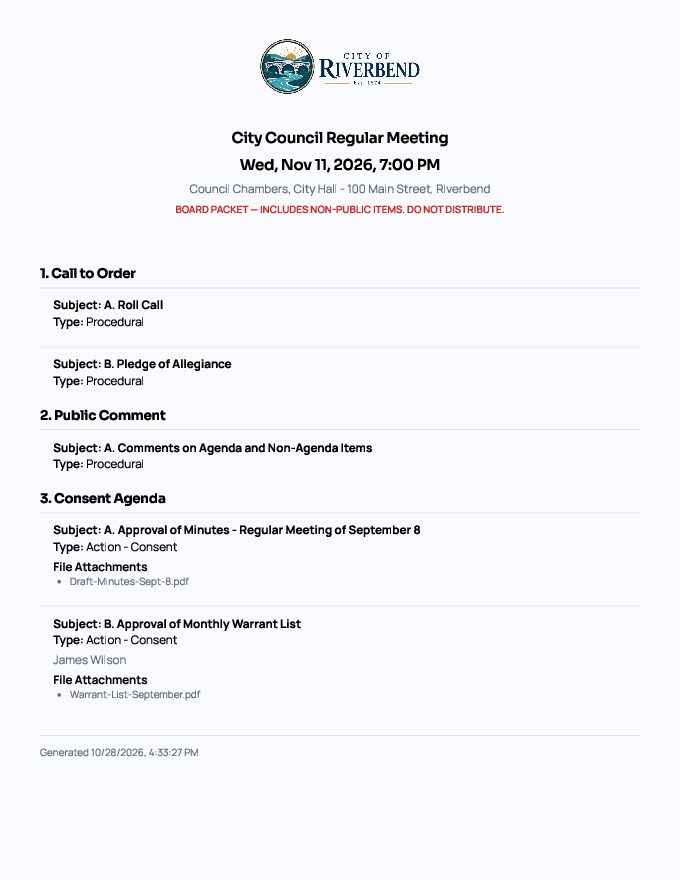
Print to paper or save as PDF. Member copies are marked Board Packet and include internal-only content in red.
Two print formats
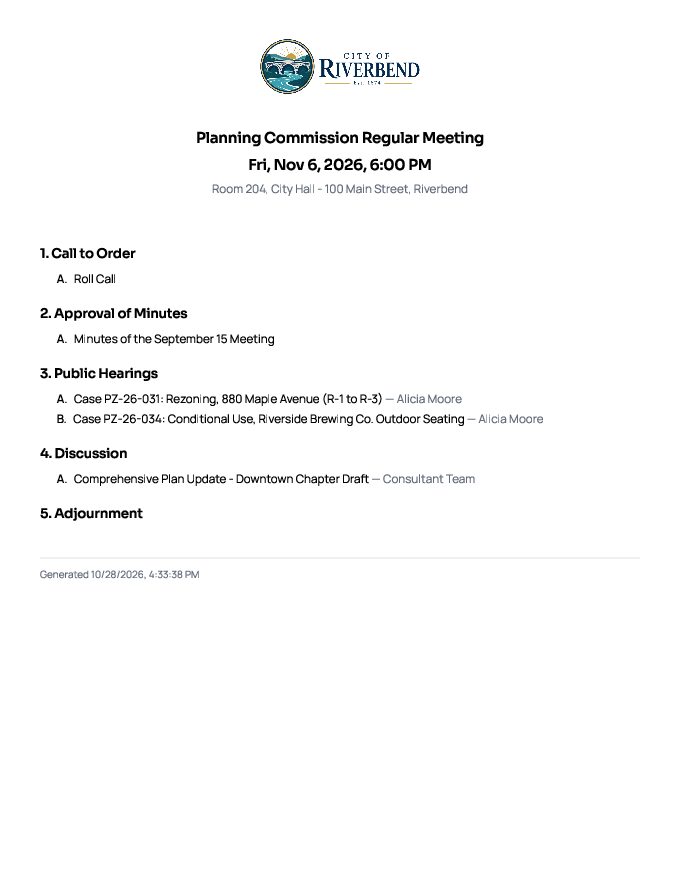
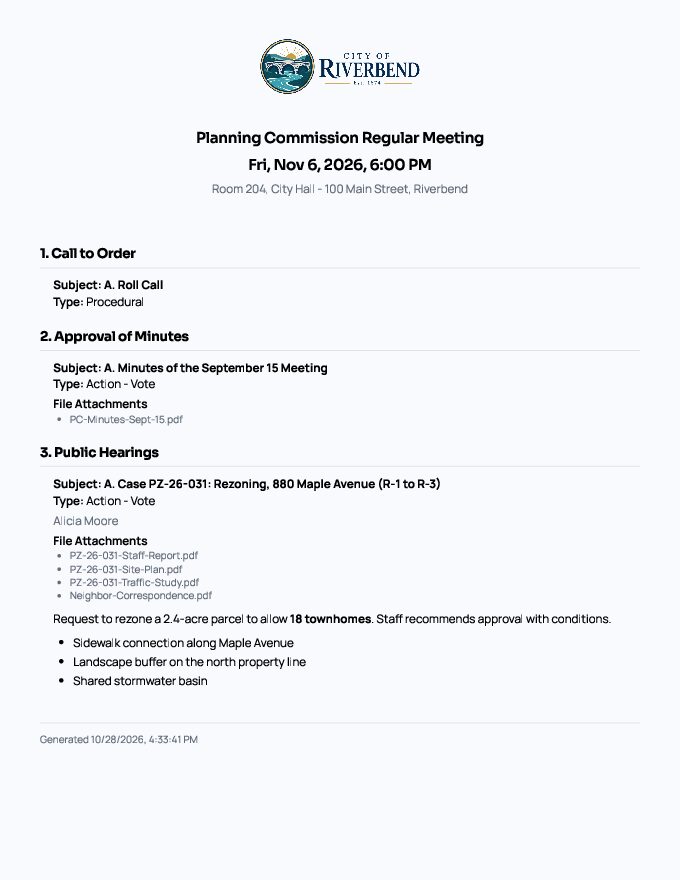
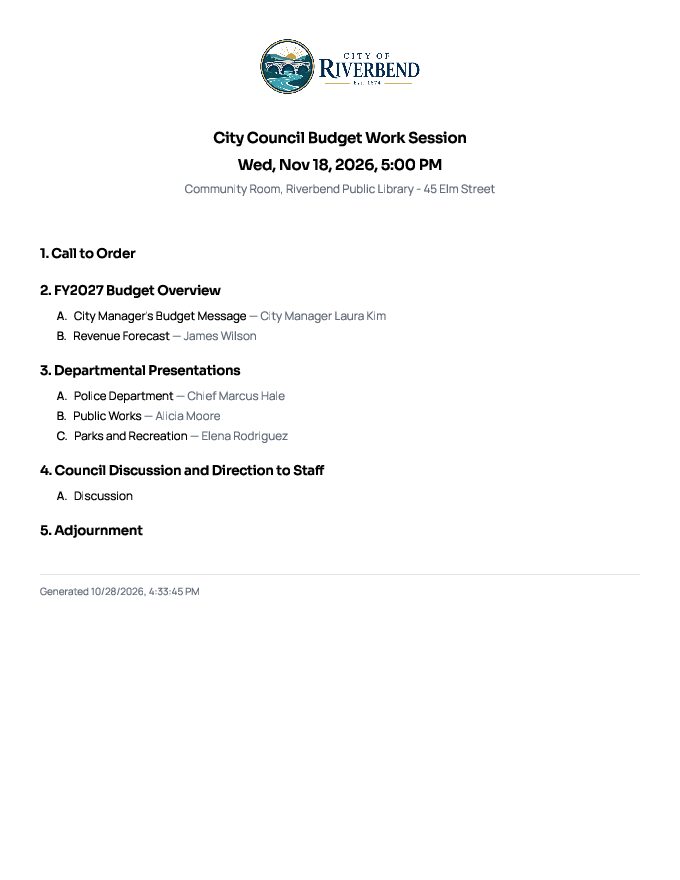
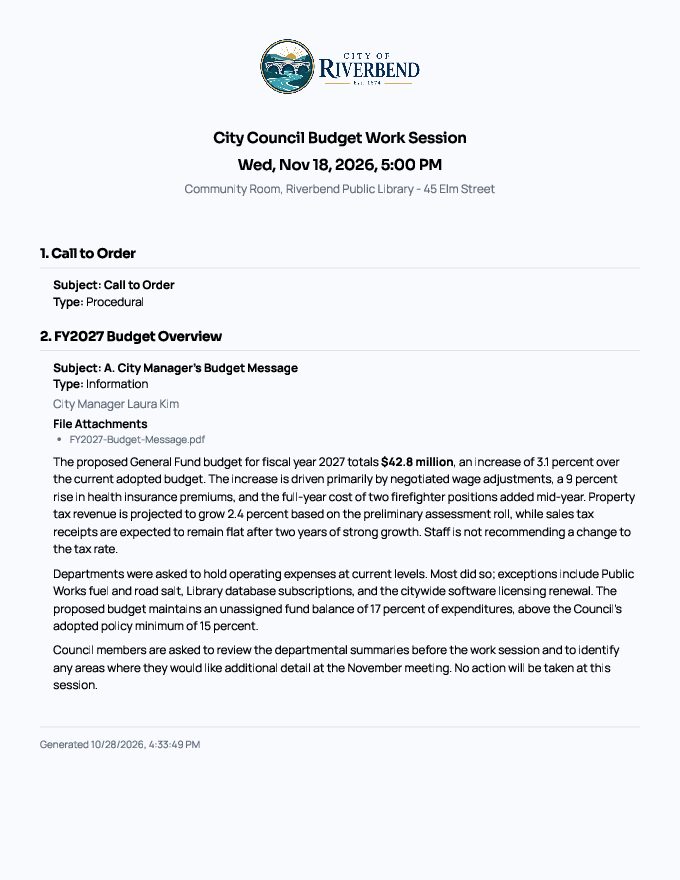
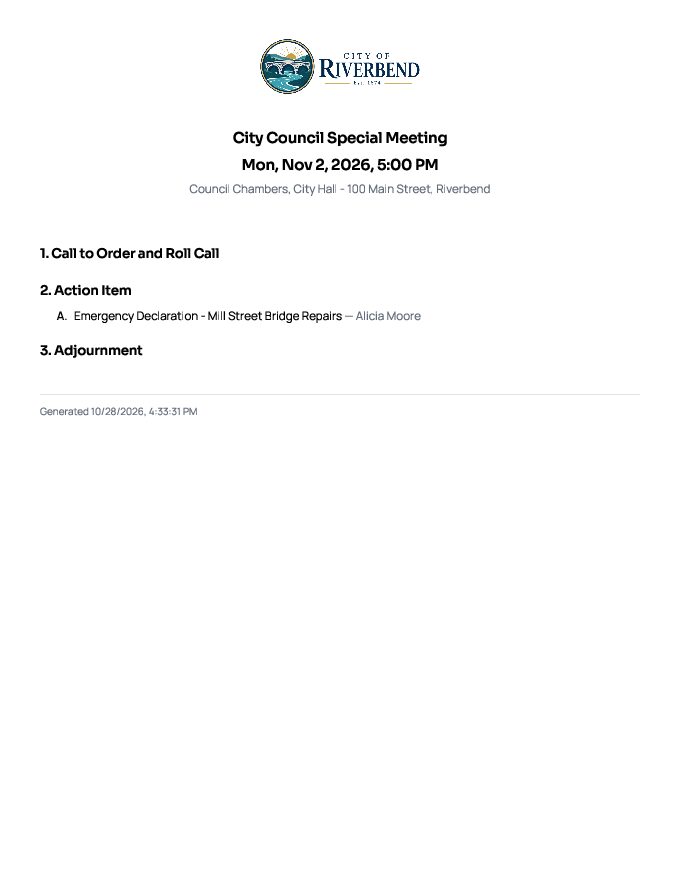
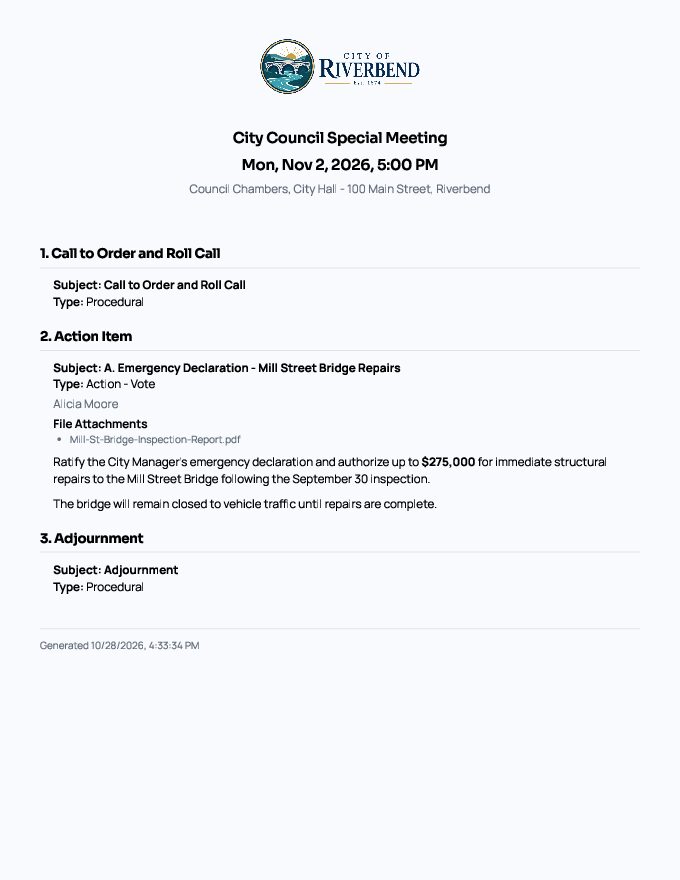
Agenda Outline lists titles only. Detailed Agenda adds subject, type, presenter, descriptions, and file lists.
Your letterhead
Logo, address, phone, and website from Document Settings appear on page one of every printout.
Clean page breaks
Long items continue on the next page with repeated section headings and a footer with the meeting, date, and page number.
Board packet vs. public copy
Member printouts include internal notes and board-only attachments in red. Public printouts never include them.
- Save as PDF from any browser
- Public print link on every published meeting
- Motions and vote tallies in the board packet
- Consistent fonts and spacing
Screens
See It in the City of Riverbend
Real Agenda Beacon screens filled with fictional sample data. Click any screen to enlarge it.
Sample PDFs
See Real Printouts from the City of Riverbend
These PDFs were printed straight from Agenda Beacon using a fictional sample city. Open any one in your browser or download it.
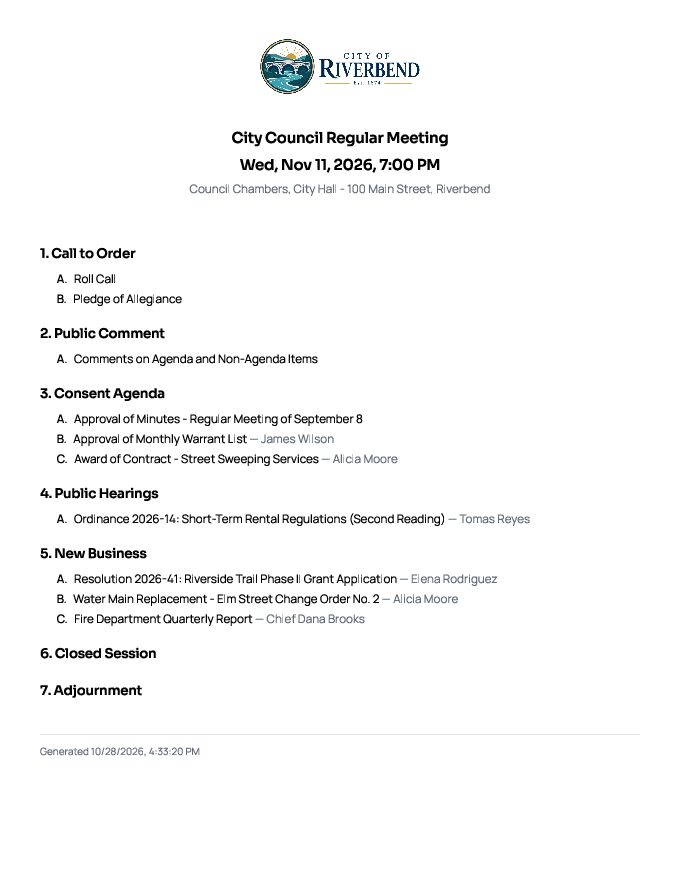
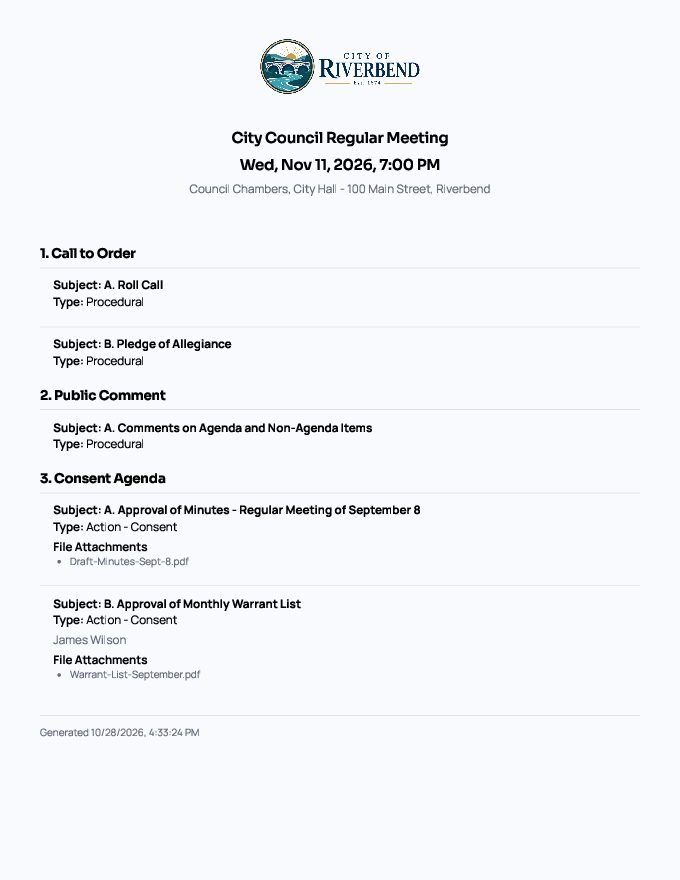
City Council Regular Meeting
Consent agenda, public hearing, new business, and closed session — with public and board-only attachments.
Planning Commission Meeting
Zoning hearings with several staff reports, site plans, and studies per item.
Budget Work Session
Information-only items with long descriptions that flow across pages.
Common Questions
- Will the public ever see internal notes on a printout?
- No. Public printouts leave out internal notes and board-only attachments entirely.
- Can I remove the browser's date and web address from the page?
- Yes. Turn off "Headers and footers" in your browser's print dialog; Agenda Beacon adds its own footer.
- Can I use only our logo, without the name and address?
- Yes. Document Settings has a logo-only letterhead option and a centered layout.
Instant access
Try It in the Demo
Tell us who you are and the sandbox opens immediately, with sample city council, school board, and nonprofit data.