
Public Portal and Archive
A public meeting portal your community can actually search
Every organization gets a public page with upcoming and past meetings, agendas, minutes, the board roster, policies, and a document library — all searchable, including text inside PDFs.
How it works
Step by Step in the Sample City
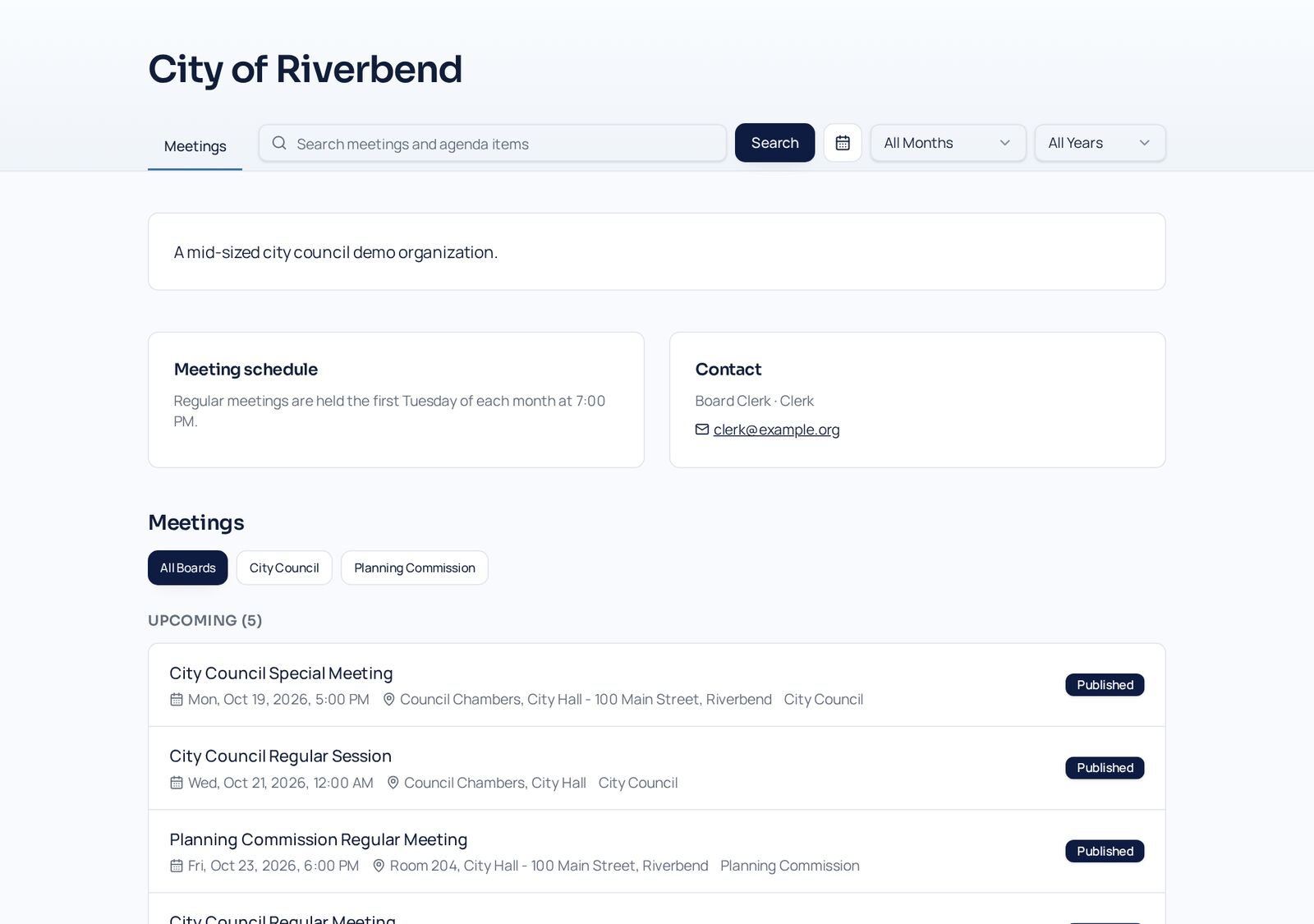
Your public home page
The City of Riverbend portal lists upcoming and past meetings, the meeting schedule, and contact details.
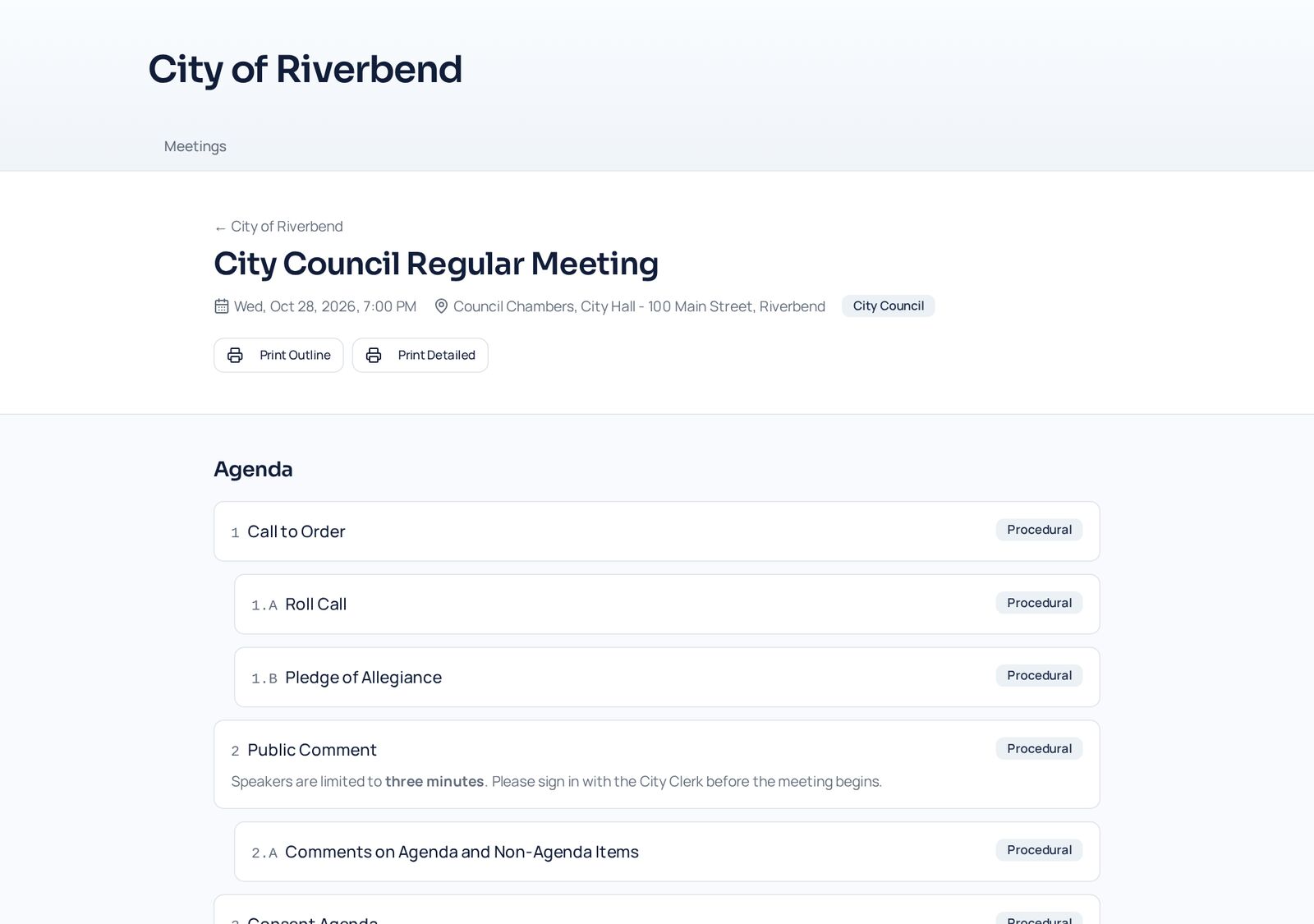
Every published meeting
Visitors see the agenda, public attachments, results, and printable agendas — never board-only material.
Roster and policies
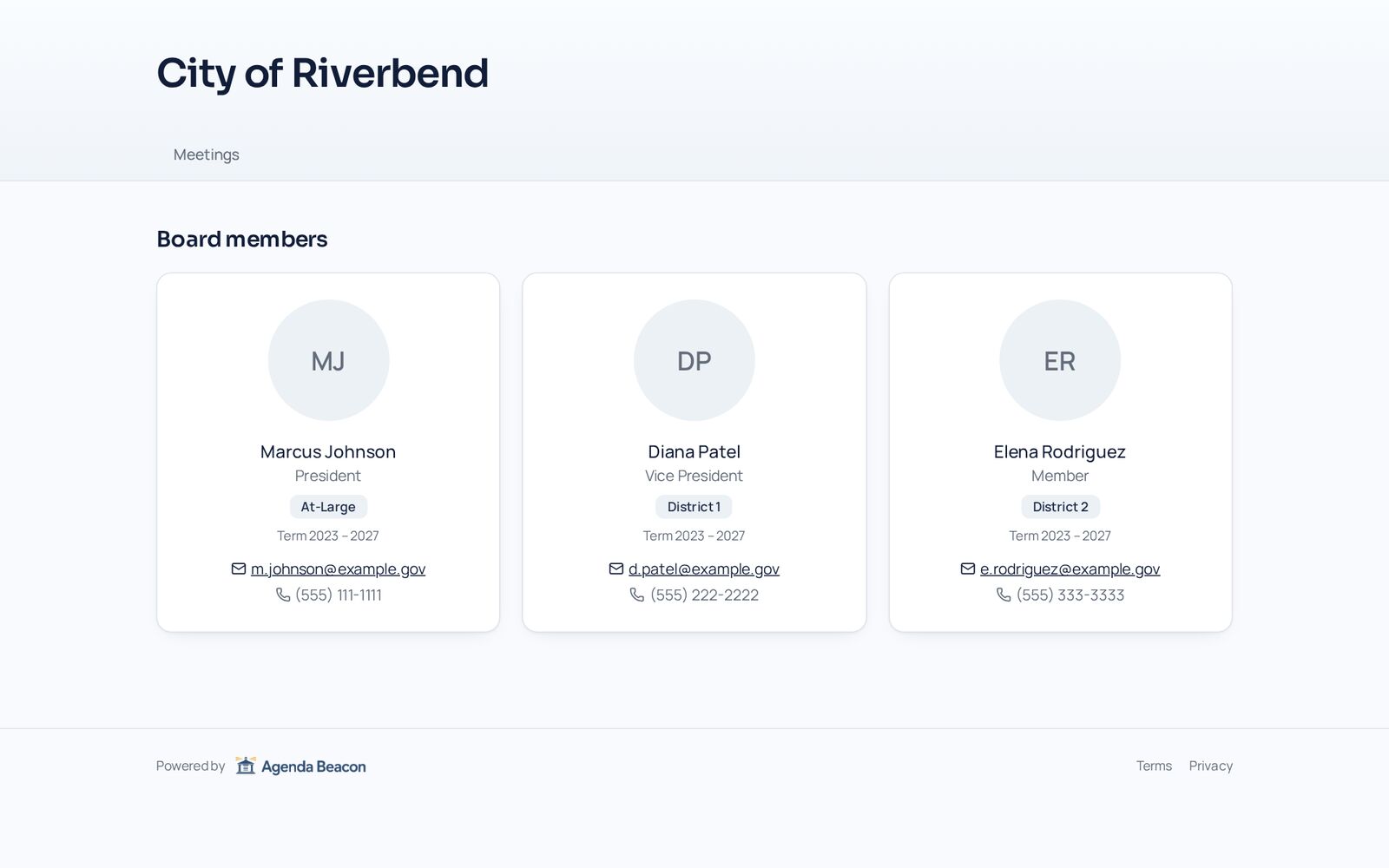
Show board members with photos and terms, and a searchable policy book.
Upcoming and past meetings
Published meetings appear automatically, with a calendar view and a rolling twelve-month archive.
Search inside documents
Visitors search agendas, minutes, policies, and the text inside posted PDFs.
Roster, policies, and library
Show board members, your policy book, and reference documents — each section can be turned on or off.
Your own address
Choose the public web address for your organization's portal.
Need everything kept private instead? See open meetings vs. fully private
- Works signed out
- Board-only content never appears
- Printable public agendas
- Mobile friendly
Screens
See It in the City of Riverbend
Real Agenda Beacon screens filled with fictional sample data. Click any screen to enlarge it.
Common Questions
- Do visitors need an account?
- No. The public portal works without signing in.
- Can we hide parts of the portal?
- Yes. Roster, policies, library, and search can each be turned on or off in Public Portal settings.
- Can a whole organization be private?
- Yes. A private organization shows nothing publicly until you choose to open it.
Instant access
Try It in the Demo
Tell us who you are and the sandbox opens immediately, with sample city council, school board, and nonprofit data.