
Motions and Roll-Call Votes
Run motions and roll-call votes with a permanent record
Record the motion, mover, and seconder, then let members vote from their own device or let the clerk record the roll. Results are kept with the agenda item forever.
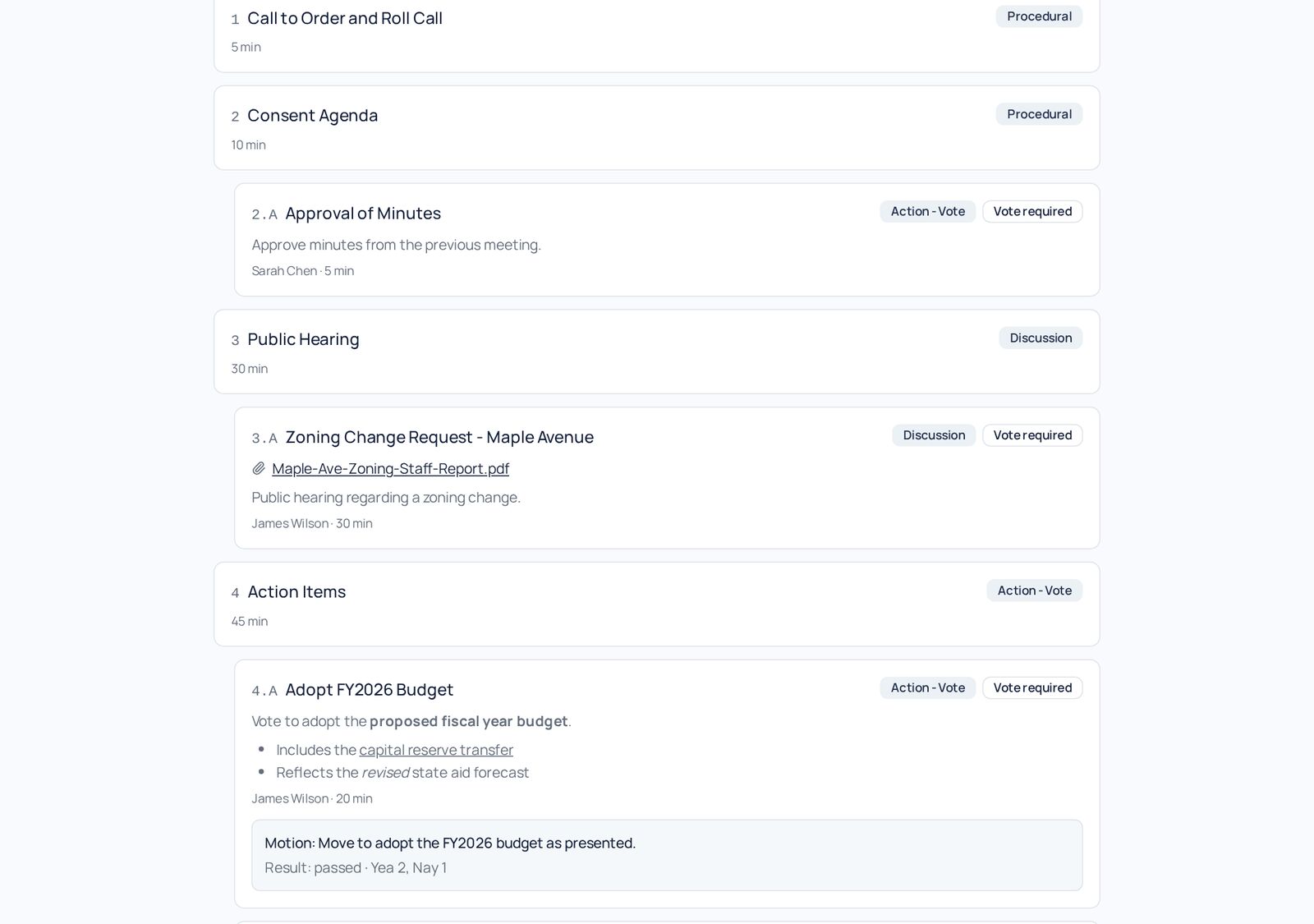
How it works
Step by Step in the Sample City
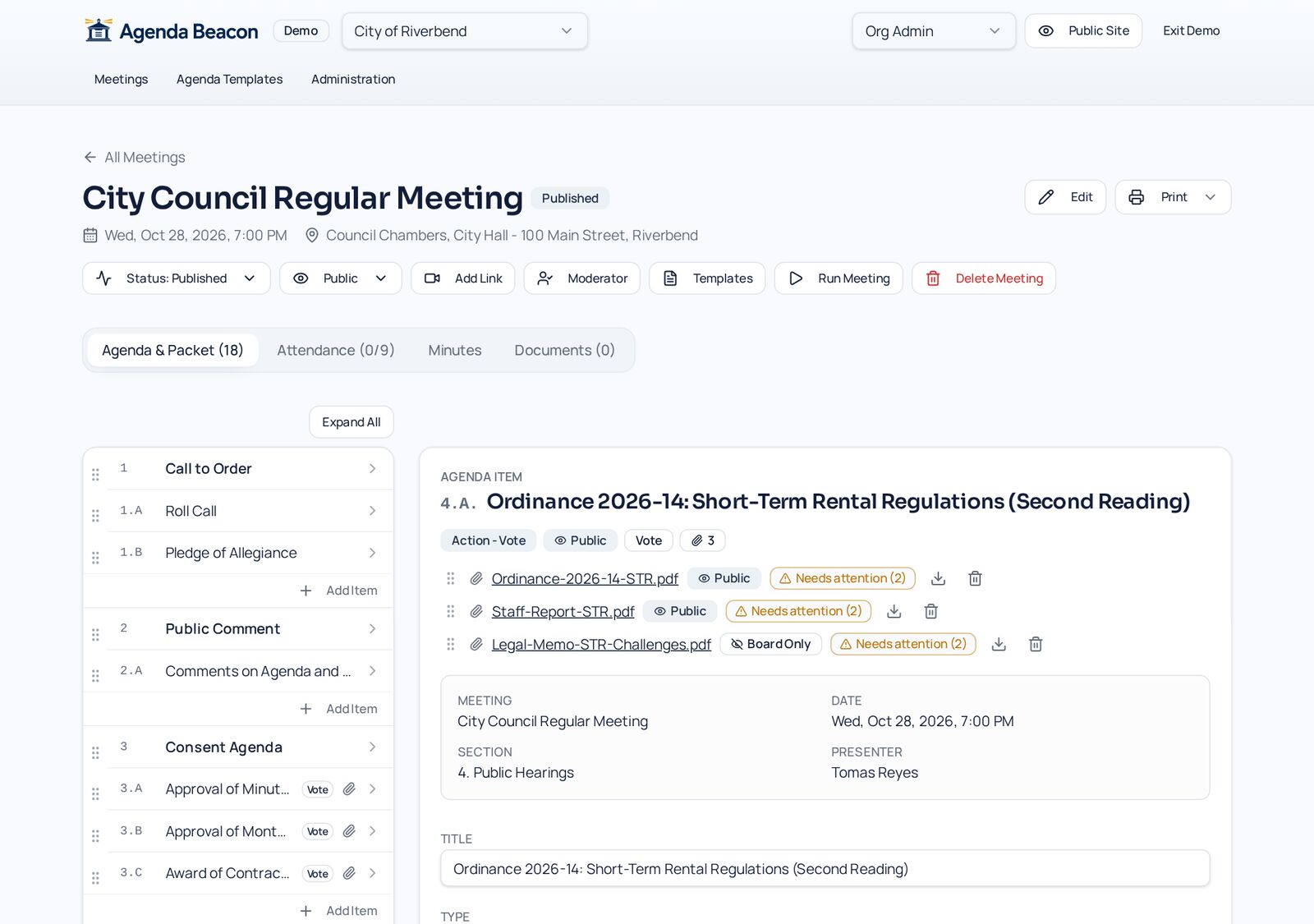
Mark the item as a vote
Items typed Action - Vote or Action - Consent automatically get motion and voting tools.
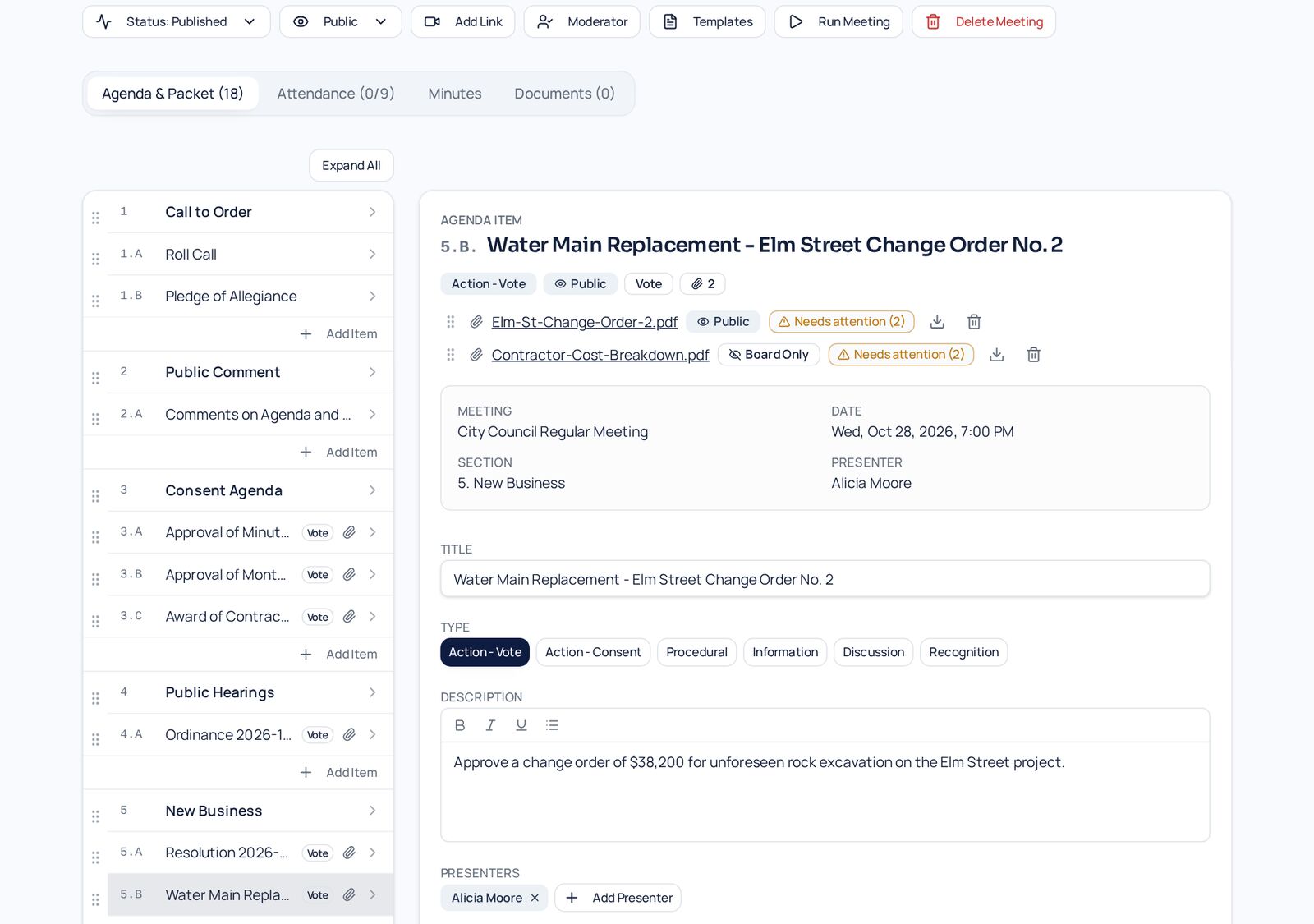
Record the motion
During the meeting, enter the motion text, who moved it, and who seconded it.
Publish the result
The outcome and tally appear on the public meeting page — here, the Riverbend FY2026 budget passed 2 to 1.
Live voting
Open a vote and members answer Yea, Nay, or Abstain from their own screen while the tally updates.
Clerk-recorded roll call
Prefer a traditional roll call? The moderator records each member's vote in one dialog.
Mover and seconder
Every motion keeps who moved and seconded it, including guests and staff presenters.
Results everywhere
Outcomes appear on the meeting page, public portal, and printed board packet.
- Yea / Nay / Abstain / Absent tallies
- Passed or failed status
- Open votes keep members signed in
- Editable by moderators after the meeting
Screens
See It in the City of Riverbend
Real Agenda Beacon screens filled with fictional sample data. Click any screen to enlarge it.
Common Questions
- Do members need to be in the room?
- No. Members can vote from their own device, or the clerk can record a traditional roll call.
- What if someone is signed out mid-vote?
- An open vote keeps members signed in, so the automatic sign-out never interrupts it.
- Can a vote be corrected later?
- Moderators can edit recorded votes after the meeting, and results update everywhere.
Instant access
Try It in the Demo
Tell us who you are and the sandbox opens immediately, with sample city council, school board, and nonprofit data.