
Open meetings or fully private — you choose
Built for transparency. Just as ready for confidentiality.
City councils and school boards must post their work for the public. Nonprofits and company boards often need every page kept private. Agenda Beacon does both — and anything in between.
Government and School Boards
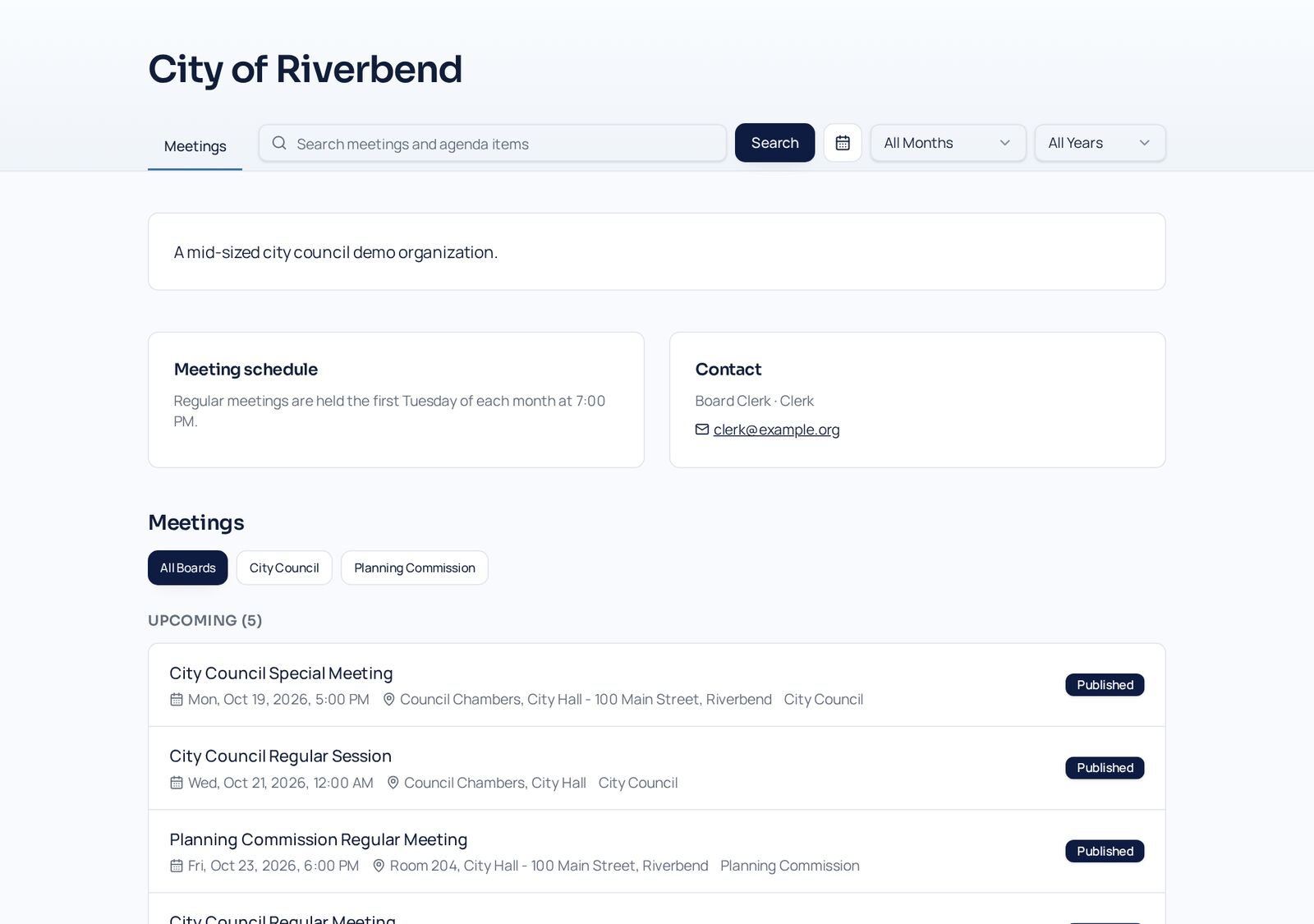
Open meetings, posted automatically
- A public portal that works without signing in
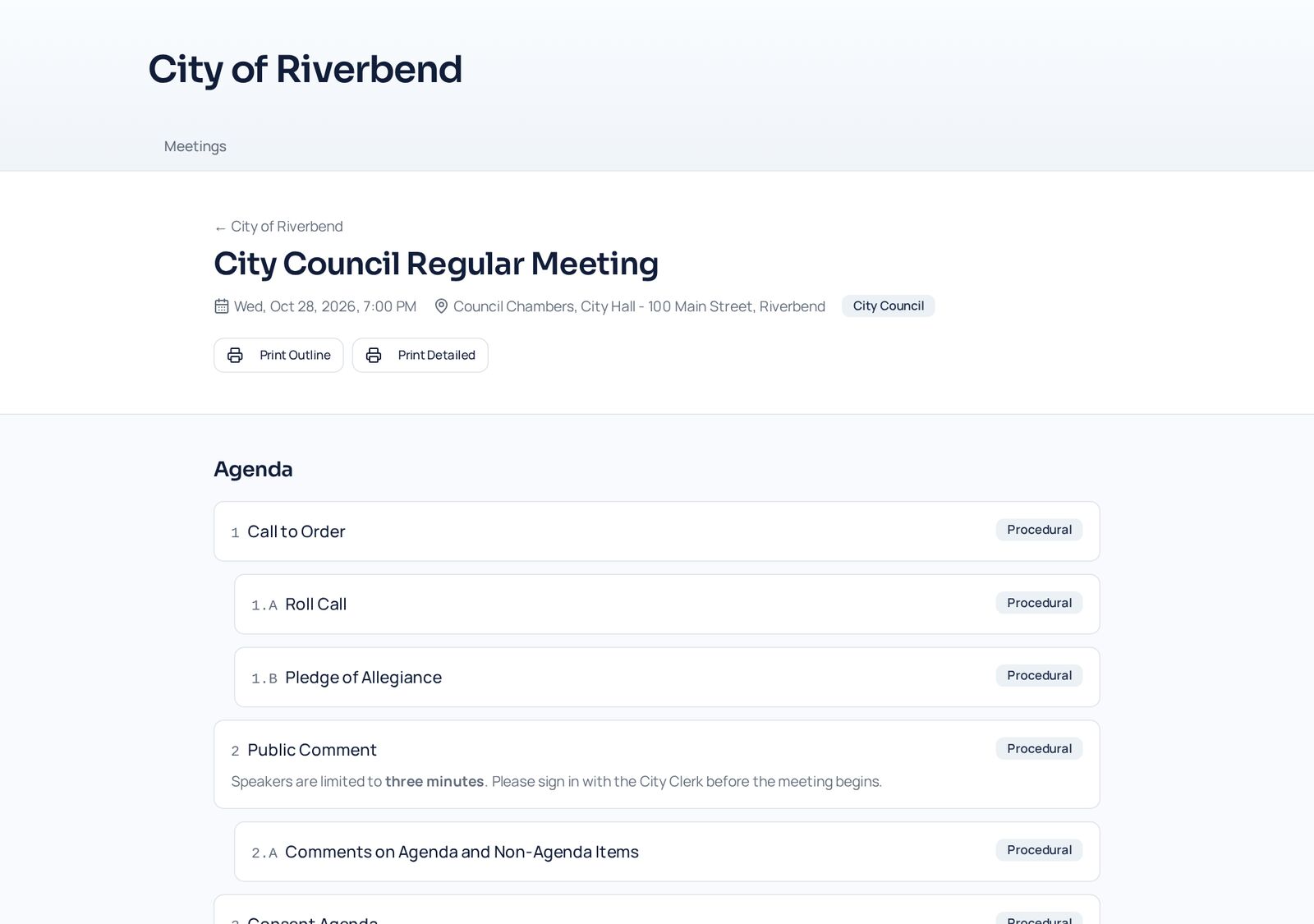
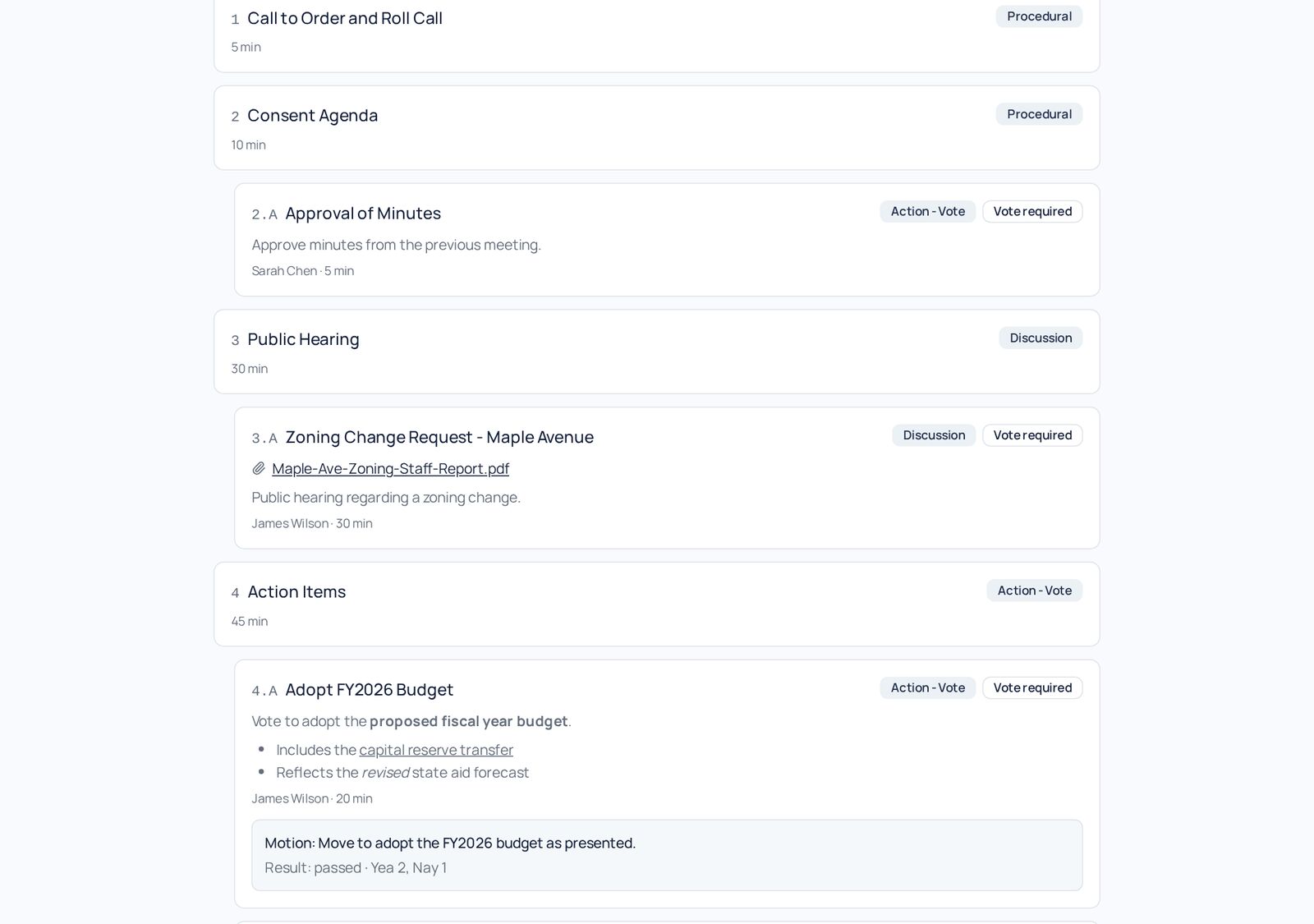
- Agendas, public files, approved minutes, and vote results posted when you publish
- Printable public agendas, board roster, and policy book
- Search across meetings, policies, and text inside posted PDFs
- Closed-session items and board-only files stay private, even on a public meeting
Nonprofits and Private Boards
Everything private, by default
- Make the whole organization private — no public portal at all
- Publish meetings and minutes to members only
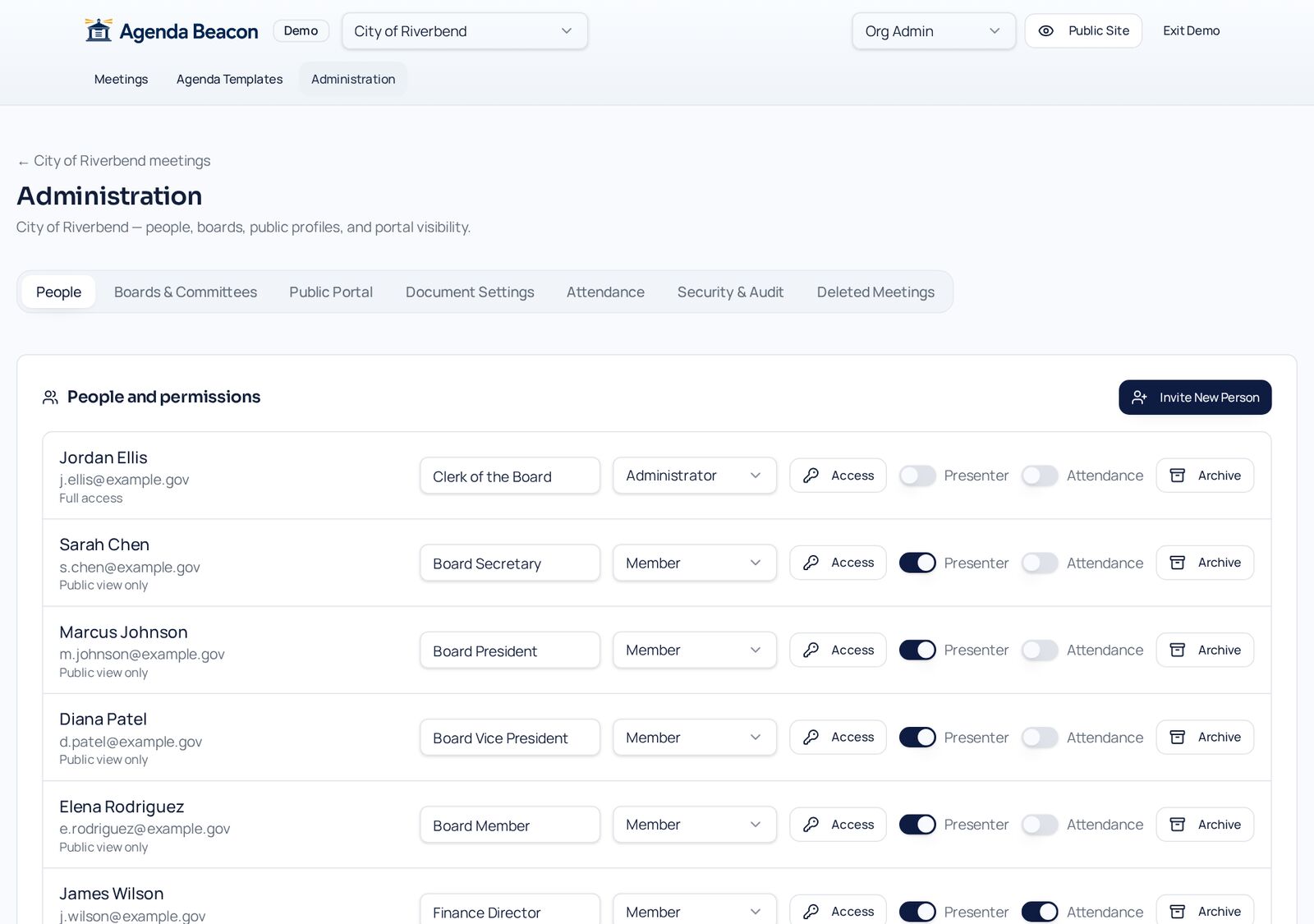
- Viewer, Editor, or Moderator access per board and committee
- Two-factor sign-in and automatic sign-out after inactivity
- Archive people when terms end; only an administrator can restore them
Government and School Boards
Open meetings, posted automatically
- A public portal that works without signing in
- Agendas, public files, approved minutes, and vote results posted when you publish
- Printable public agendas, board roster, and policy book
- Search across meetings, policies, and text inside posted PDFs
- Closed-session items and board-only files stay private, even on a public meeting
- PDF accessibility checks to help meet public accessibility obligations
Nonprofits and Private Boards
Everything private, by default
- Make the whole organization private — no public portal at all
- Publish meetings and minutes to members only
- Viewer, Editor, or Moderator access per board and committee
- Two-factor sign-in and automatic sign-out after inactivity
- Archive people when terms end; only an administrator can restore them
- Permanent audit logs of permission and file visibility changes
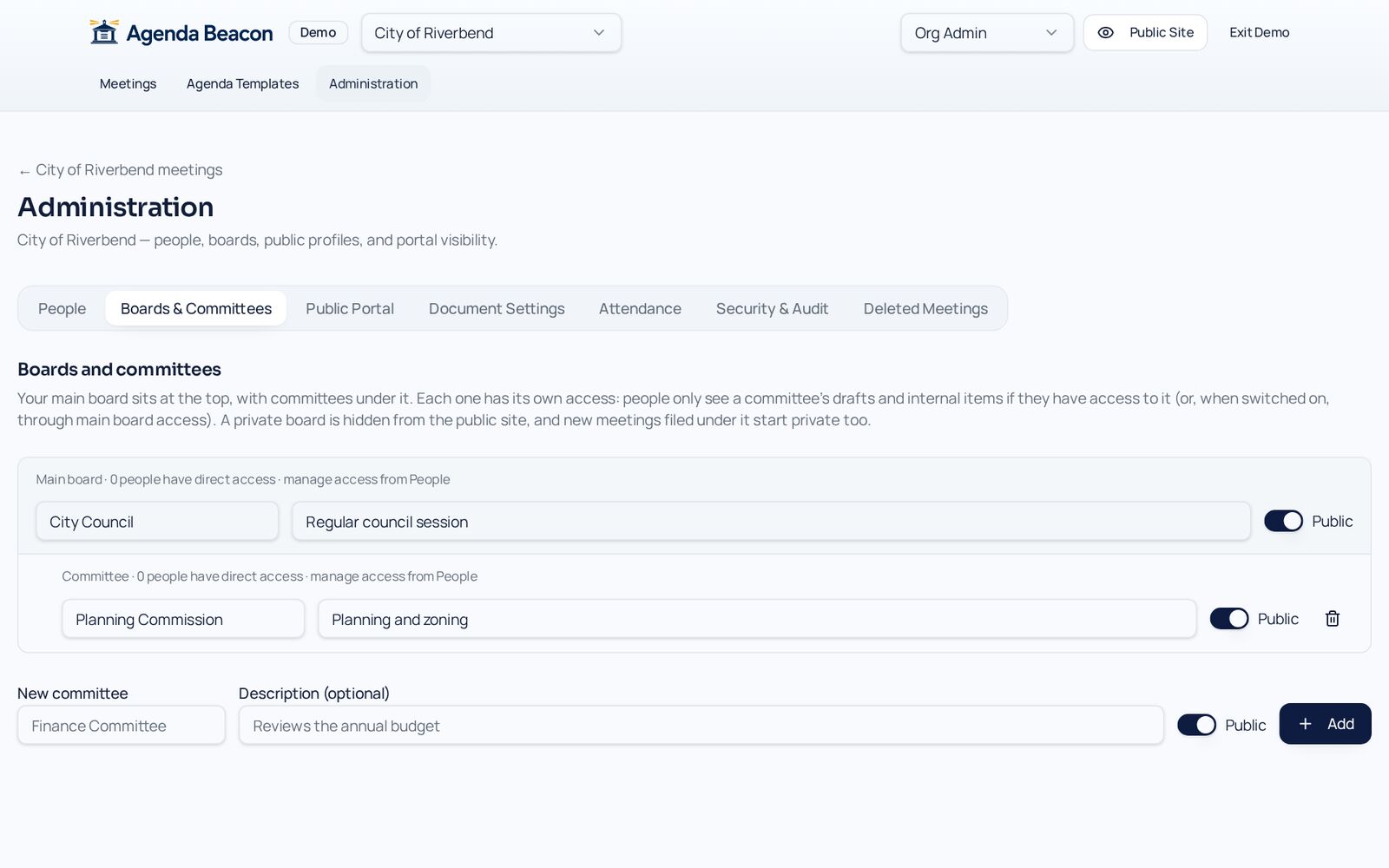
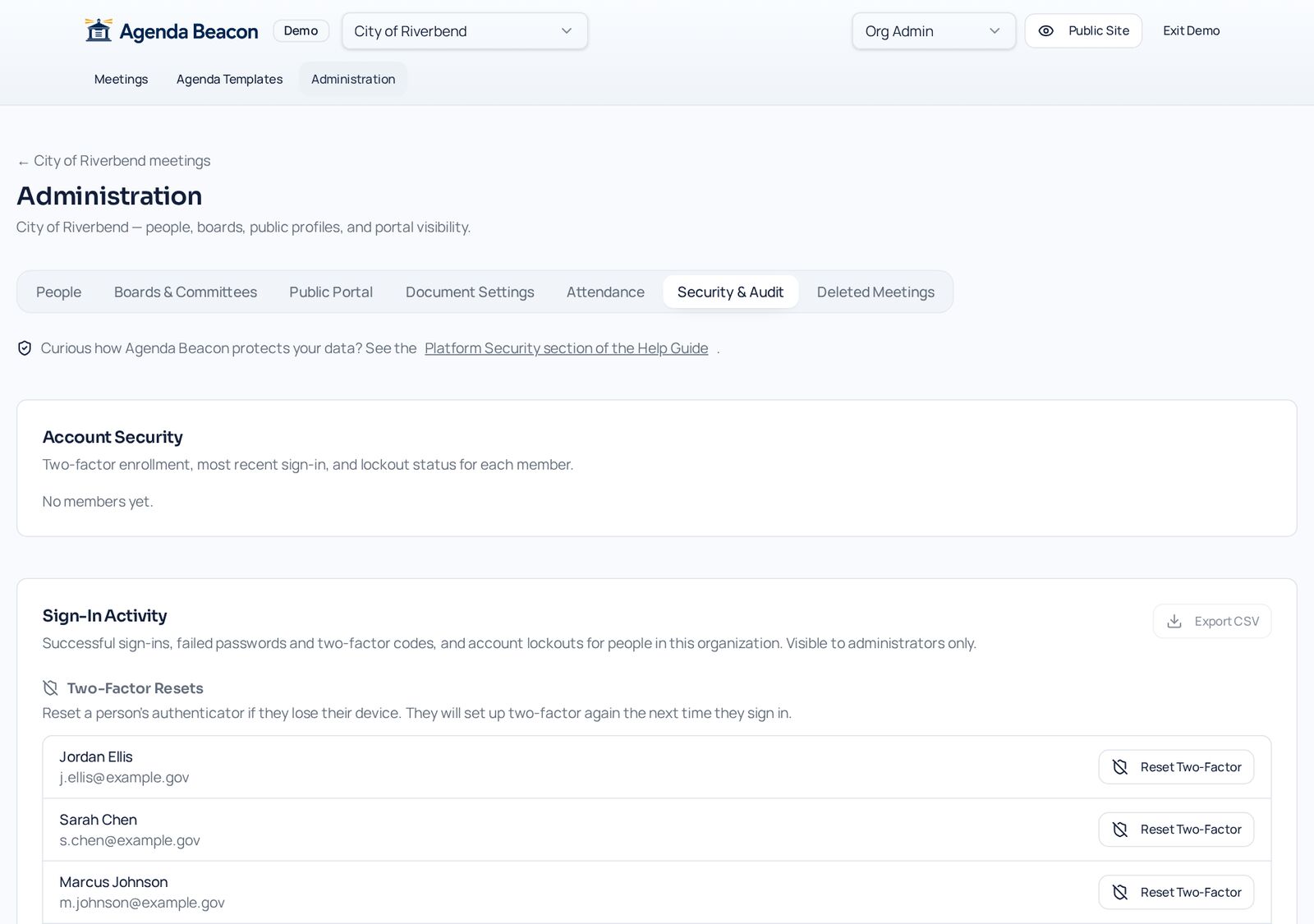
Somewhere in between?
One organization can keep its main board public and a committee private, publish some meetings to the public and others to members only, and mark individual items and files board-only. See the public portal and permissions and security.
Common Questions
- Can we start private and open up later?
- Yes. Turn on the public portal and publish meetings to the public whenever you are ready. Nothing becomes public until you choose.
- Are closed-session items ever shown publicly?
- No. Items and files marked board-only never appear on the public portal or public printouts, even when the meeting itself is public.
- Can one organization be both?
- Yes. Keep the main board public and a committee private, or publish some meetings to the public and others to members only.
- Who can see a draft meeting?
- Only people with access to that board. Drafts are internal until you publish them.
Instant access
Try Both in the Demo
The sandbox includes a public city council and a private nonprofit board, so you can compare them side by side.