
Document Accessibility
Check uploaded PDFs for accessibility before the public sees them
Every uploaded PDF is checked for common accessibility problems — missing title, language, tags, and text — and many can be fixed with one click.
How it works
Step by Step in the Sample City
Upload as usual
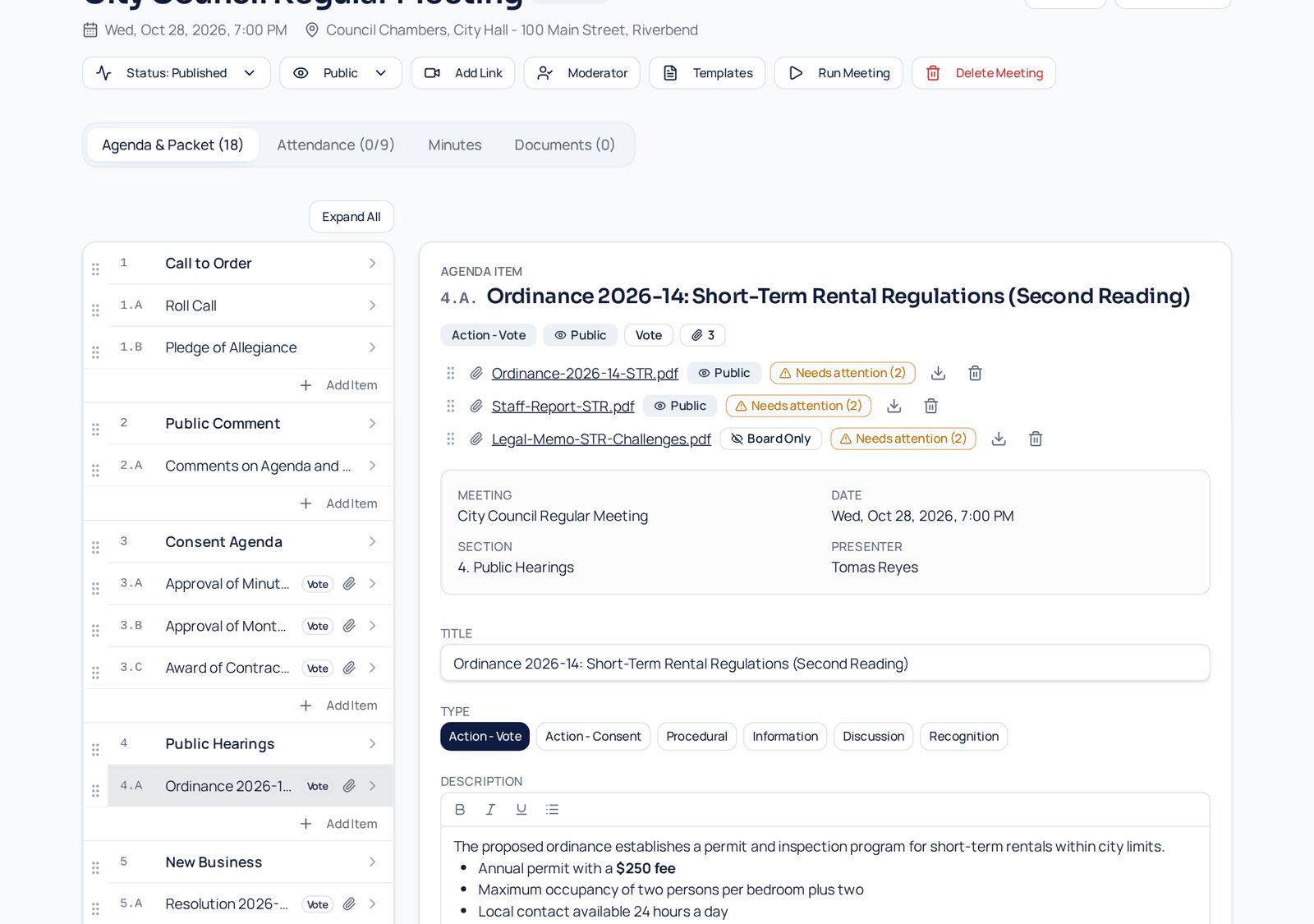
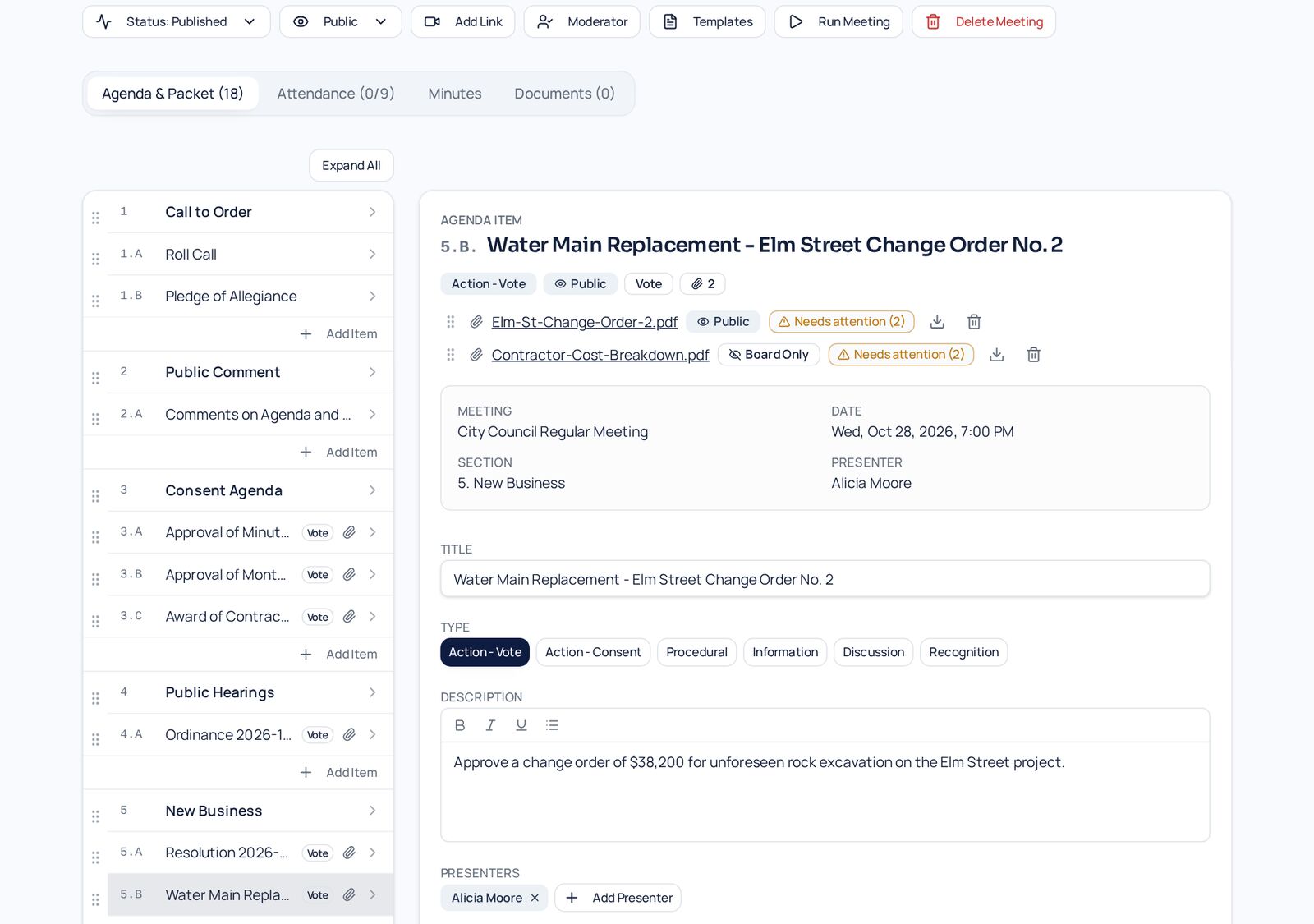
Every PDF attached to an agenda item is checked automatically and gets a badge next to its name.
Review results in one place
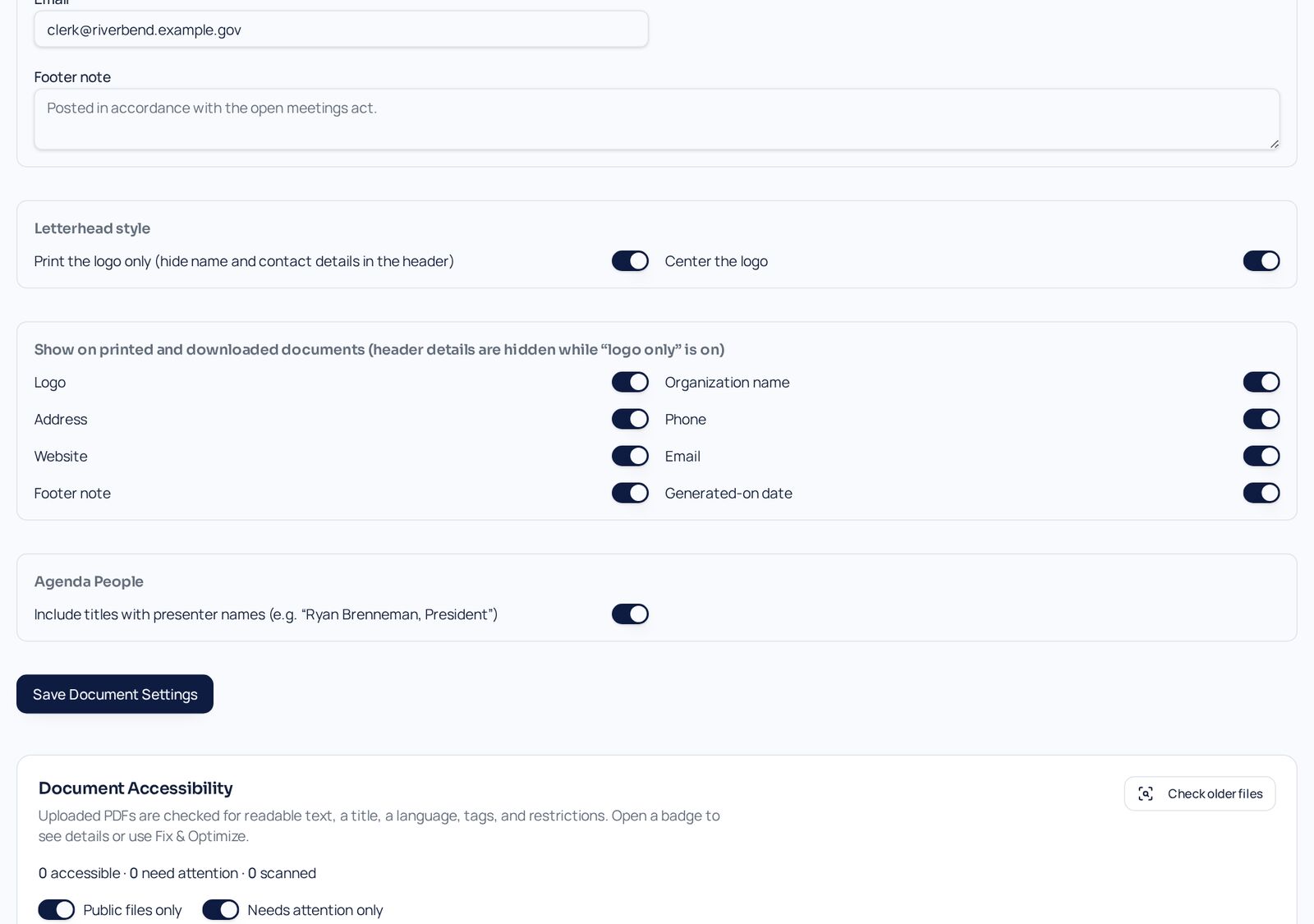
Document Settings lists every file's result, with filters for files that need attention.
Fix and Optimize
Open a badge to see what is missing and apply the automatic fixes for title, language, and file size.
Automatic checks on upload
Each file gets a clear pass, warning, or needs-attention badge.
Fix and Optimize
Add a document title and language and shrink oversized files without re-uploading.
One dashboard
Document Settings lists every file's result so nothing slips through.
Honest limits
Scanned images and complex tables still need human review — we tell you which files.
- Works on agenda attachments
- Meeting documents and minutes files
- Results stored per file
- Helps with WCAG 2.1 AA goals
Screens
See It in the City of Riverbend
Real Agenda Beacon screens filled with fictional sample data. Click any screen to enlarge it.
Common Questions
- Does this make every PDF fully accessible?
- No tool can do that automatically. We fix what can be fixed safely and clearly flag files that need a person to review.
- Are files changed without asking?
- No. Fixes run only when an editor clicks Fix and Optimize.
- Can uploaded PDFs harm the system?
- Files are checked with isolated, pure-JavaScript tools and served from separate storage, never executed.
Instant access
Try It in the Demo
Tell us who you are and the sandbox opens immediately, with sample city council, school board, and nonprofit data.