
Agendas and Packets
Build a complete agenda and board packet in one place
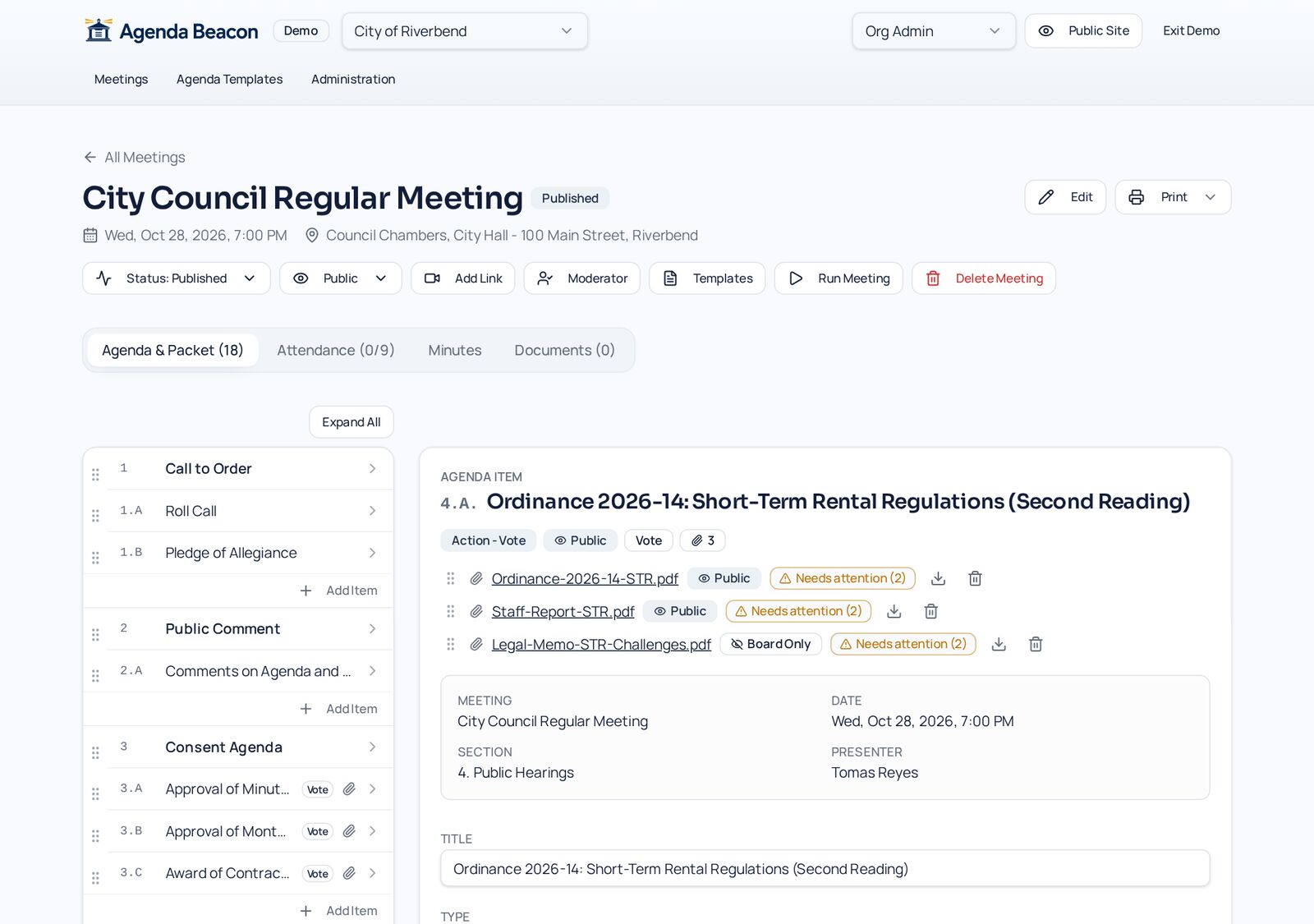
Numbered sections and lettered items, presenters, item types, rich descriptions, and attachments marked public or board-only — assembled once and shared everywhere.
How it works
Step by Step in the Sample City
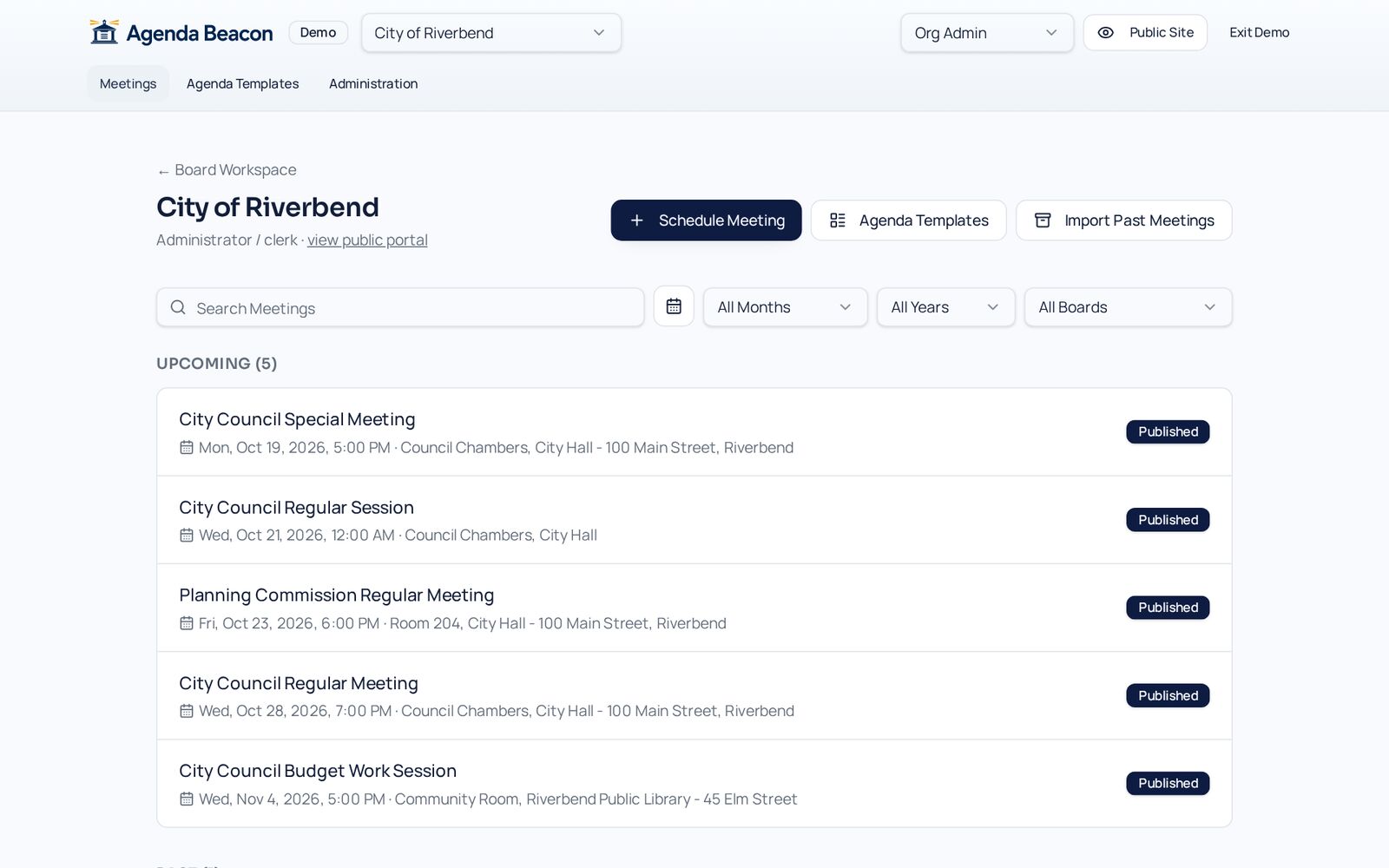
Schedule the meeting
Pick the board, date, time, and location from the Meetings list. Start from a template so your standing order of business is already in place.
Build the outline
The Riverbend Regular Meeting has seven sections and eleven items. Add sections and items, drag them into order, and numbering follows automatically.
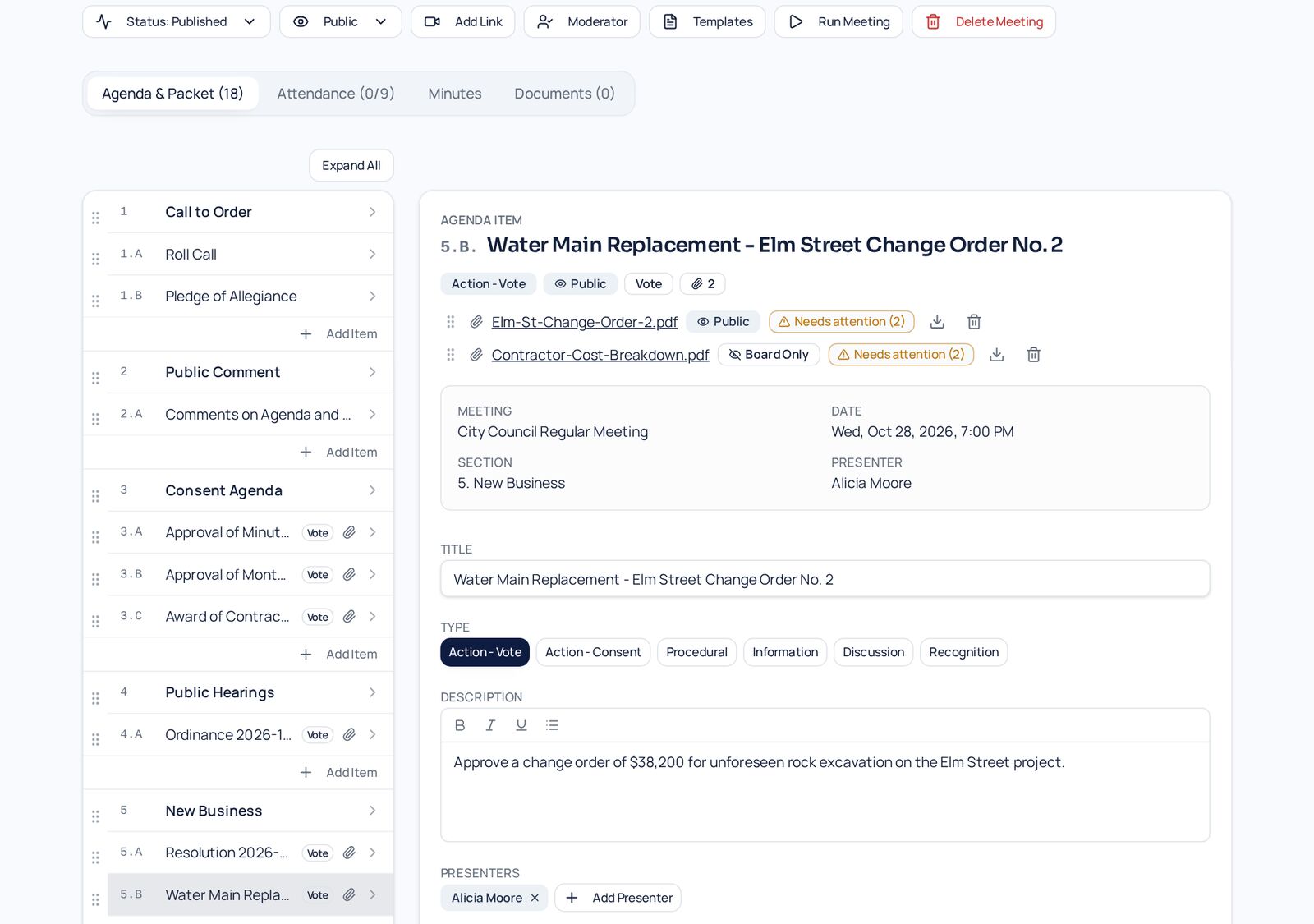
Fill in each item
Set the item type, presenters, a formatted description, and internal notes that only the board sees. Attach staff reports as public or board-only.
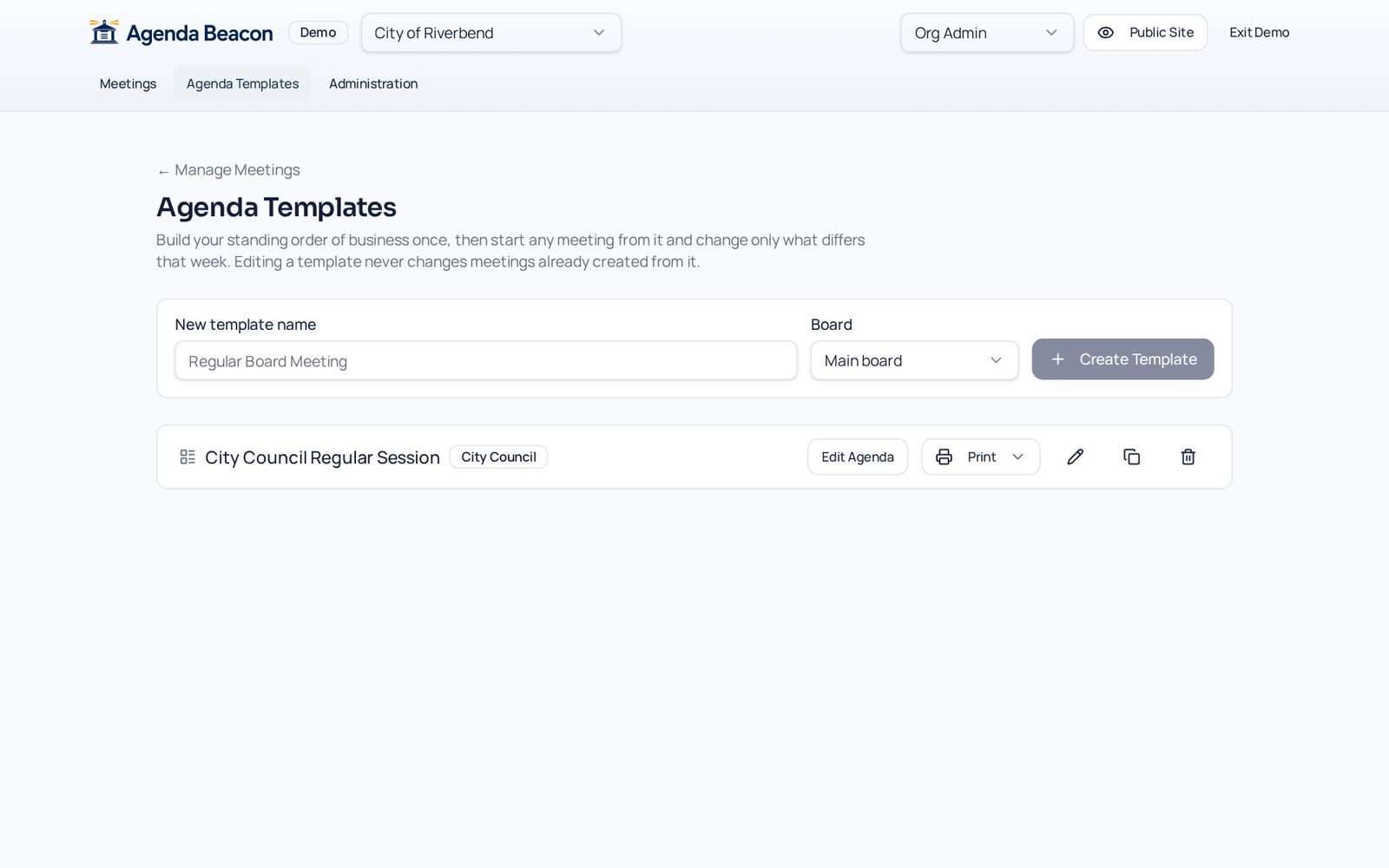
Reuse your standard agenda
Agenda Templates keep your usual sections and items, so the next regular meeting takes minutes to set up.
Structured, numbered agendas
Sections and items number themselves. Drag to reorder and everything renumbers instantly.
Item types that drive the meeting
Mark items as Information, Discussion, Action - Vote, or Action - Consent. Vote items get motion and roll-call tools automatically.
Attachments with visibility
Attach staff reports and drafts to each item. Each file is public or board-only, and changes are confirmed and logged.
Templates for recurring meetings
Start every regular meeting from your standard agenda template instead of retyping it.
- Bold, italic, underline, and bullets in descriptions
- Internal notes for board members only
- Presenter list from your People and Presenters
- Meeting-level packet documents
Screens
See It in the City of Riverbend
Real Agenda Beacon screens filled with fictional sample data. Click any screen to enlarge it.
Common Questions
- Can some attachments stay private?
- Yes. Each attachment is Public or Board Only. Changing it asks for confirmation and is recorded in the audit log.
- Do I have to renumber items when I move them?
- No. Drag a section or item and the numbers and letters update everywhere, including printouts.
- Can I paste from Word?
- Yes. Pasted text is cleaned to simple bold, italic, underline, and bullets so it looks consistent.
Instant access
Try It in the Demo
Tell us who you are and the sandbox opens immediately, with sample city council, school board, and nonprofit data.